
Files your whole team can find
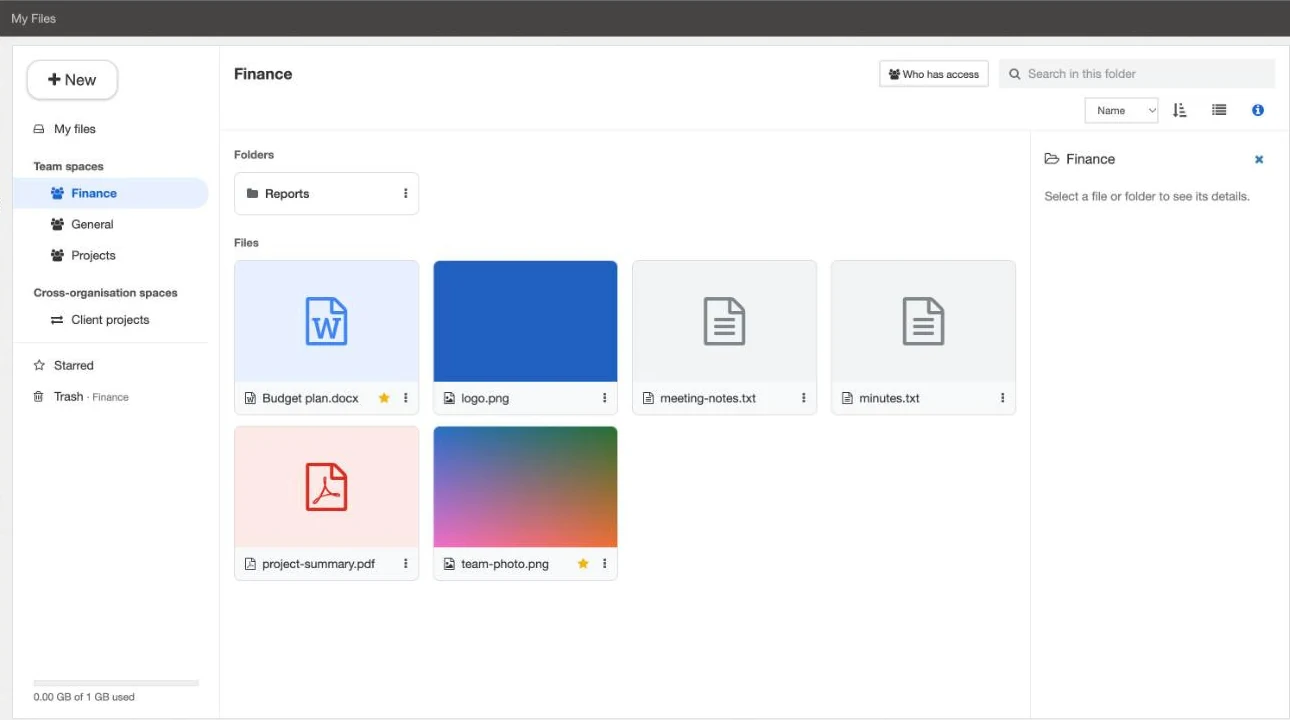
In My Files, everyone gets a personal space, and every team gets its own. Upload, organise and preview files in the browser, go back to an earlier version, and recover deleted files from the Trash.
CloudCIX.eu is file storage and document editing for your whole organisation, kept in an Irish data centre inside the EU and run by an Irish company.
Data sovereignty means you can say where your organisation’s files are, who runs the service and who can reach them. With CloudCIX.eu you can answer all three.
Files, documents and sharing that work the way your teams already do, without your data leaving the EU.
In My Files, everyone gets a personal space, and every team gets its own. Upload, organise and preview files in the browser, go back to an earlier version, and recover deleted files from the Trash.
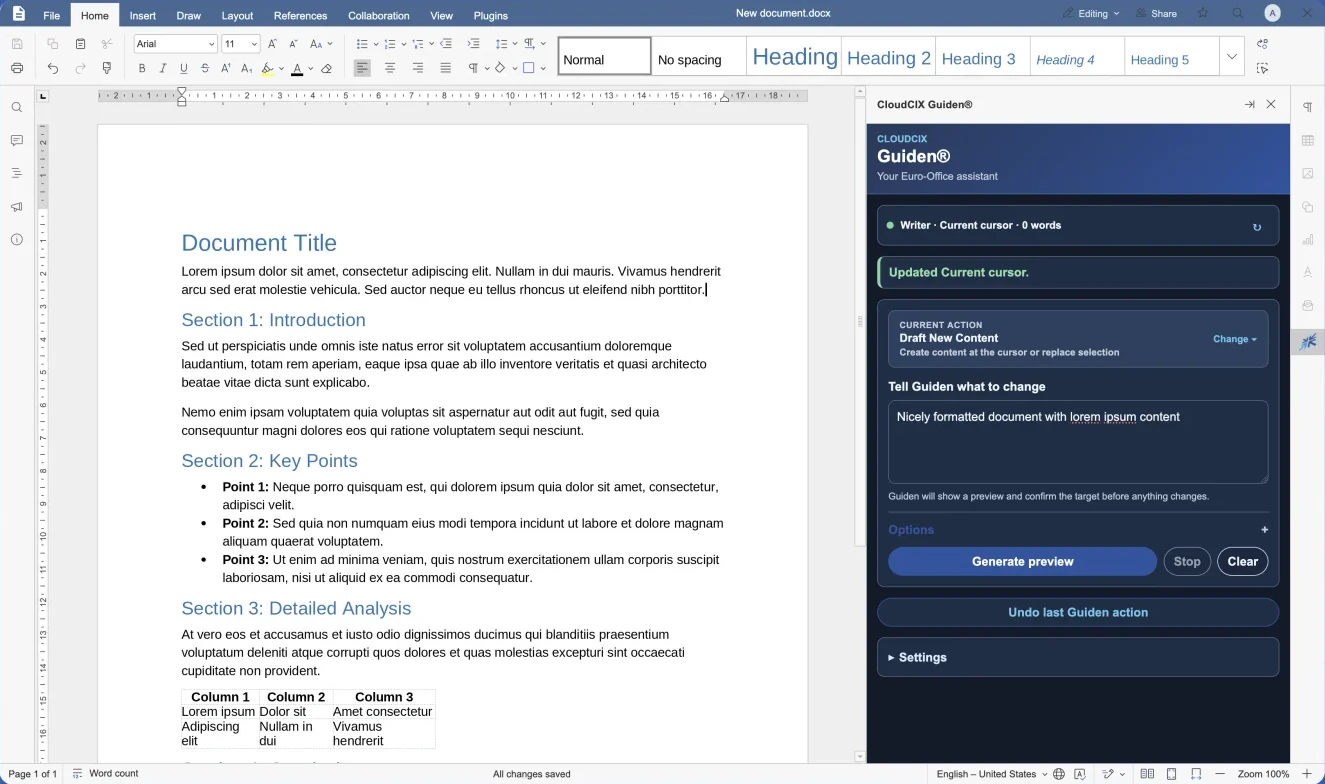
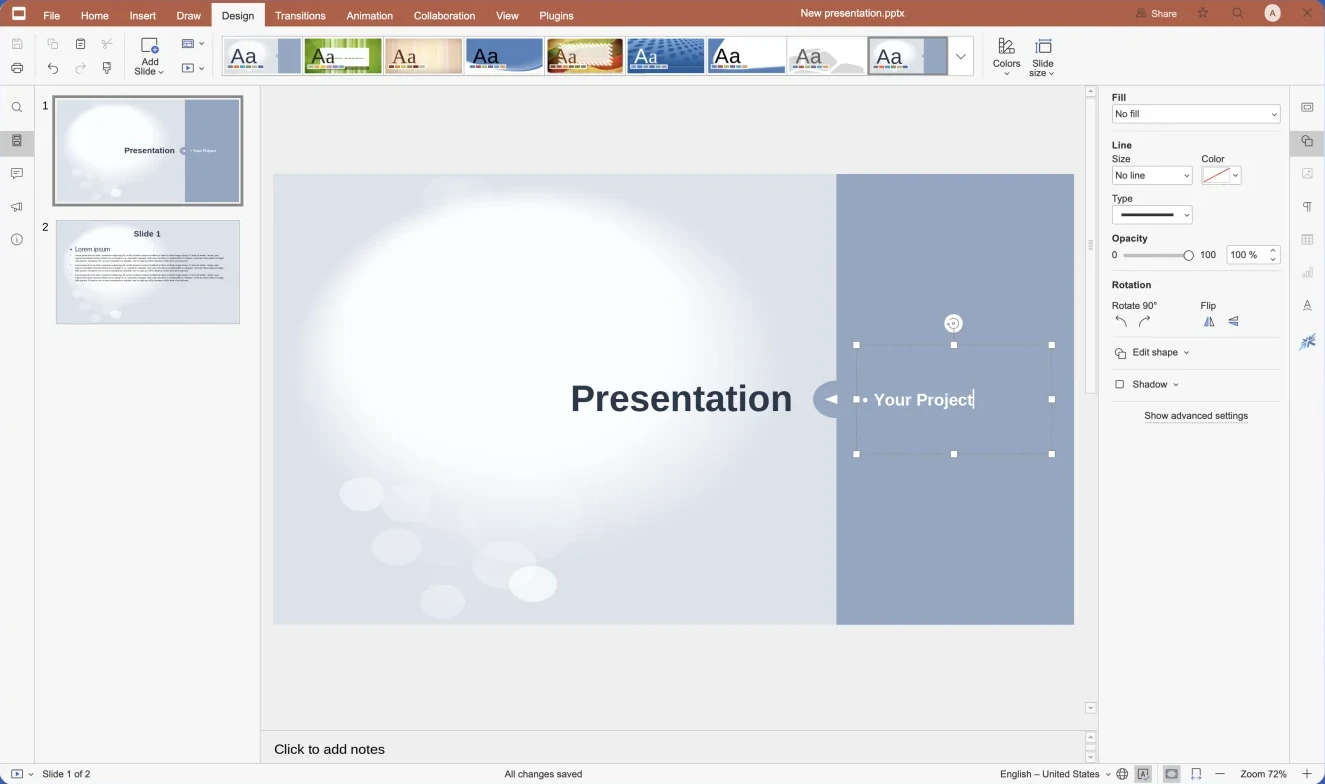
Open a file from My Files and work on it together, with no software to install. Several people can edit at once without overwriting each other.
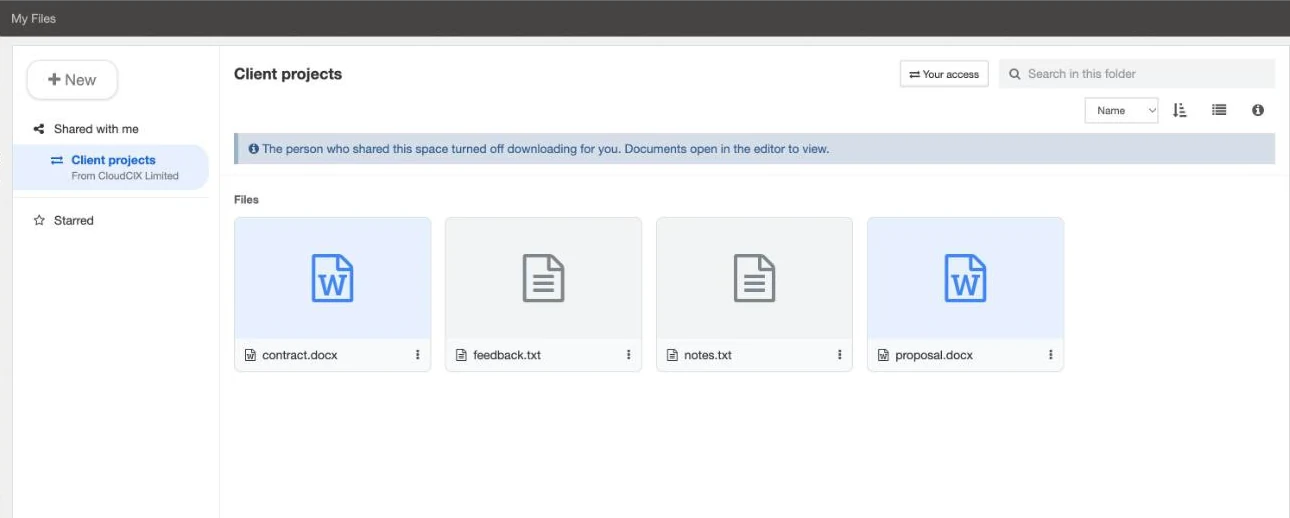
Invite people from other organisations into a shared space by email, with no account for them to set up. Choose whether they can view or edit, add a password or an end date, and turn off downloads when you need to. Or share a single file with a link.
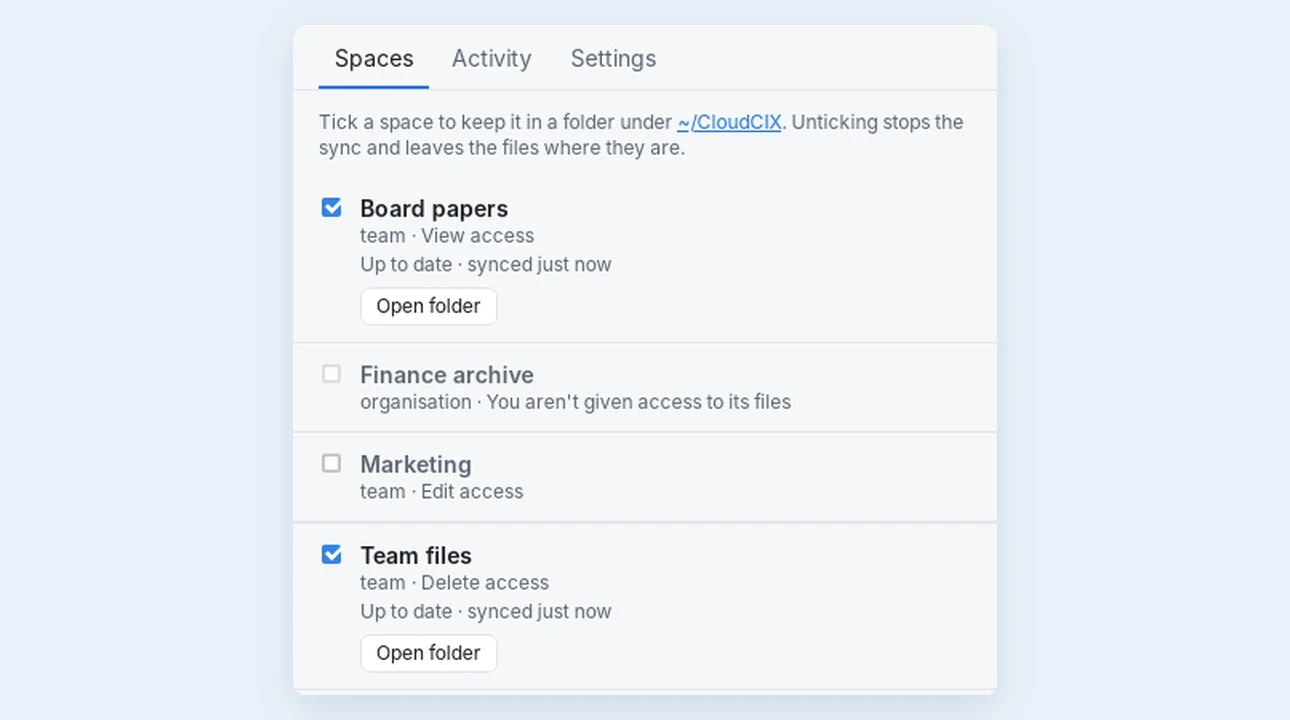
The CloudCIX Sync app for Mac, Windows and Linux keeps the spaces you choose in a folder on your computer, up to date both ways. A safety stop protects shared spaces from accidental mass deletes.
Keep company and client files in one place you control, and work with clients and partners without sending attachments back and forth.
Keep working documents and records in Ireland, inside the EU, with an Irish provider you can name when you are asked where the data is.
Give staff and volunteers shared spaces and editing in the browser with nothing to install, on one monthly bill.
There are no servers to order and nothing to install for your administrators.
An administrator chooses how much storage your organisation needs.
Create spaces for teams and projects, and choose who can use each one.
Everyone opens My Files in the browser, or connects their computer with CloudCIX Sync.
In an Irish data centre, inside the EU. Earlier versions and files in the Trash are kept there too.
CloudCIX Limited, from Hollyhill Industrial Estate in Cork. The service is run under CloudCIX’s ISO 27001 certified information security management.
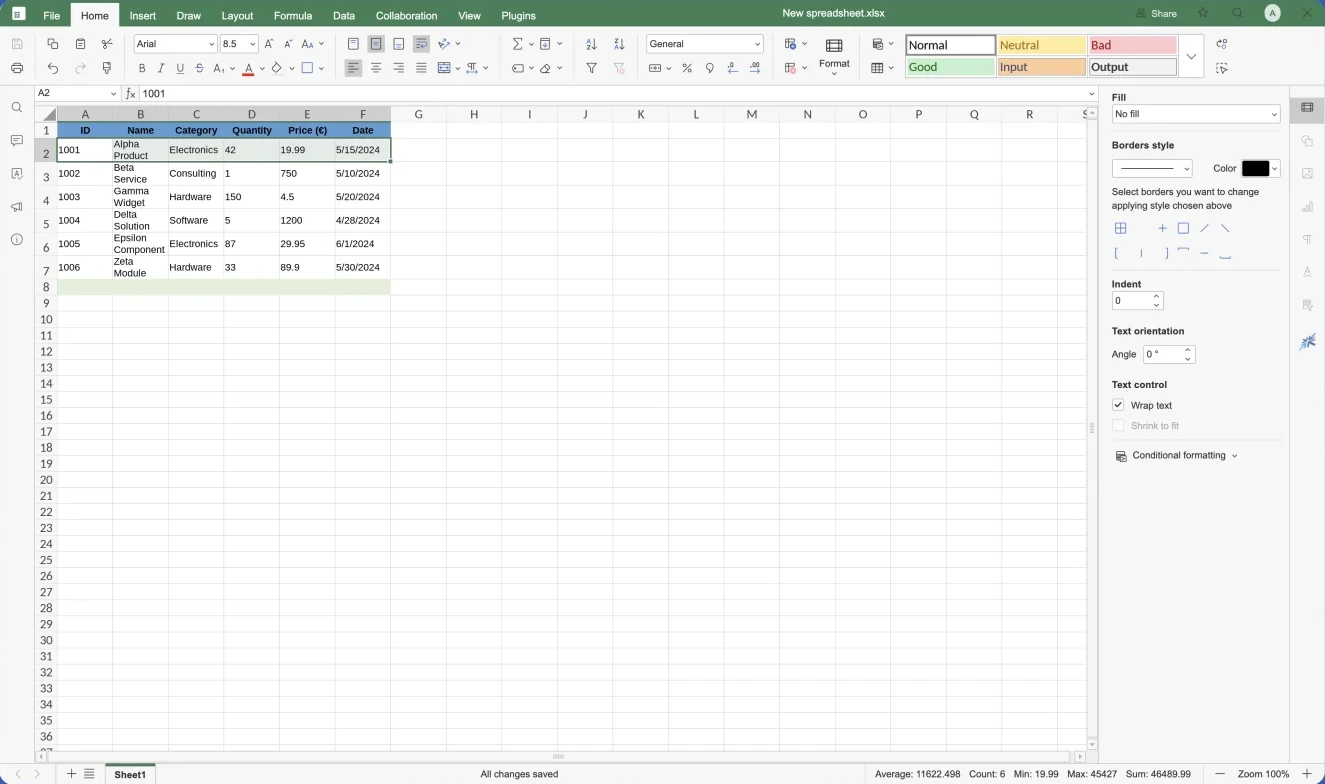
You can open Word documents straight from My Files, and edit documents, spreadsheets, presentations and PDFs in the browser.
Yes. Invite them by email into a shared space, with no account for them to set up. You choose whether they can view or edit, and can add a password or an end date or turn off downloads.
Pricing has not been announced yet. It will be one monthly bill for the storage you choose, and downloads are free. Register your interest and you will hear first.
CloudCIX.eu is launching soon. Register your interest and we’ll be in touch.
CloudCIX.eu is launching soon. Tell us who you are and we’ll be in touch.
Your details are sent securely and handled under our Privacy Policy.